
Download Style Master – Intuitive CSS Editor for Mac & Windows
Overview
Style Master is a lightweight, trial‑version CSS editor that has been serving web designers and front‑end developers since 2005. Built for both Mac OS X (including legacy versions) and Windows, the tool fits neatly into the Development → Internet → CSS subcategory. The current release, version 4.6, was refreshed on 22 November 2006 and remains one of the most storage‑efficient programs in its niche, occupying far less disk space than many competing editors. Its intuitive interface lets users write, test, and refine style sheets without the overhead of a full‑blown IDE. Whether you’re polishing a corporate website, experimenting with responsive layouts, or teaching CSS fundamentals, Style Master offers a focused environment that reduces distractions and speeds up the styling workflow.
Since its inclusion in the software catalog in 2005, Style Master has accumulated over 727 downloads, reflecting a steady community of designers who appreciate its simplicity and speed. Although recent download activity has been quiet, the tool’s reputation for reliability and its free trial model continue to attract newcomers looking for a secure, no‑cost way to edit CSS on both Mac and Windows platforms.
The application is delivered in English, and its trial version grants full access to core features for a limited period, allowing users to evaluate its capabilities before deciding on a purchase. With a focus on clean code generation, real‑time preview, and a minimal learning curve, Style Master stands out as a practical addition to any web developer’s toolbox.
Key Features of Style Master
- Real‑time CSS preview: Instantly see how changes affect your page without leaving the editor.
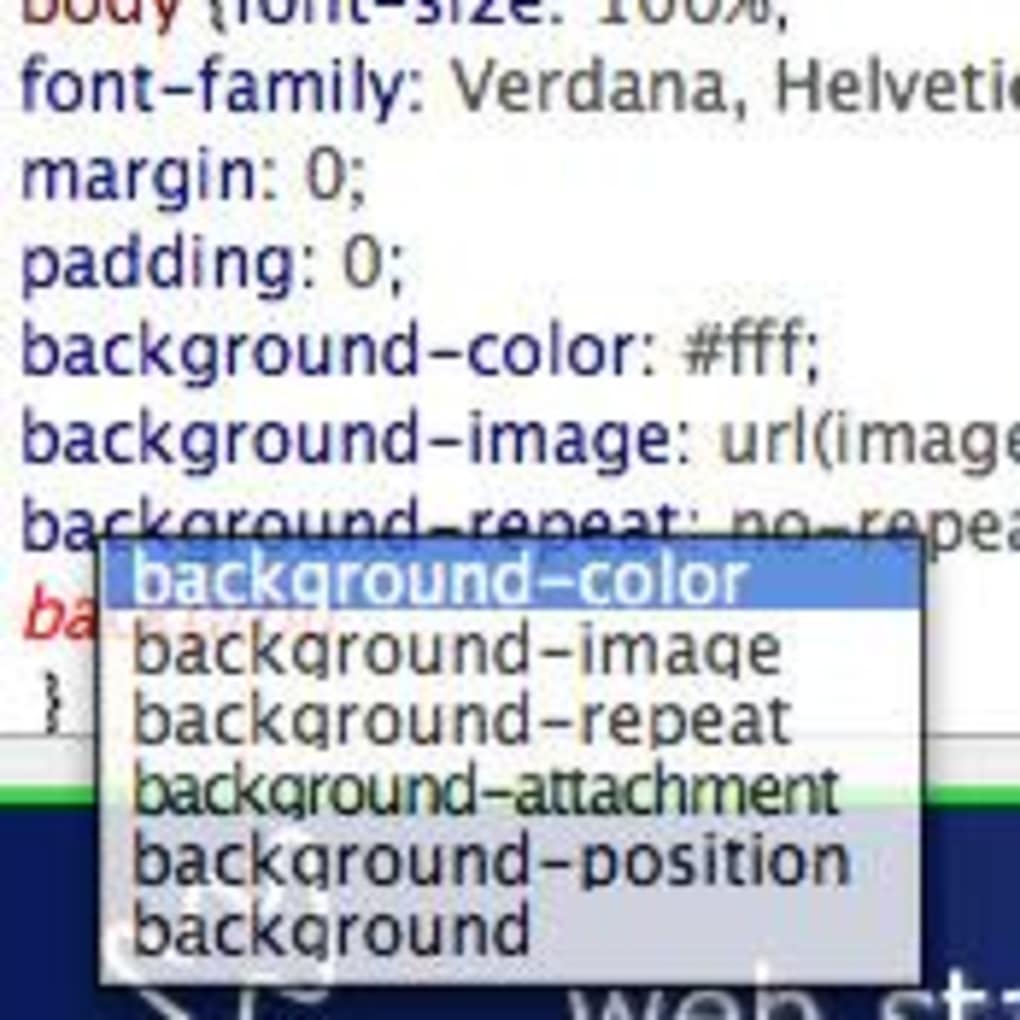
- Syntax highlighting & auto‑completion: Color‑coded selectors, properties, and values speed up coding and reduce errors.
- Built‑in validator: Detect common mistakes and receive suggestions for best‑practice CSS.
- Lightweight footprint: Requires less disk space than most full‑featured IDEs, ideal for older machines.
- Cross‑platform support: Native builds for Mac OS X (including legacy versions) and Windows.
- Import & export utilities: Seamlessly bring in existing style sheets or export clean, minified CSS.
- Customizable UI themes: Choose light or dark themes to match your workflow preferences.
- Version history tracking: Revert to earlier revisions of a stylesheet with a single click.
- Secure trial mode: Full feature access for a limited time without hidden fees or ads.
Beyond the listed capabilities, Style Master integrates with popular browsers for live testing, supports CSS3 properties, and includes a library of common snippets that can be dragged into your code. The editor’s design philosophy centers on simplicity—no cluttered toolbars, just the essentials you need to craft elegant style sheets efficiently. Because it runs locally, there’s no reliance on internet connectivity, which adds an extra layer of security for developers handling proprietary designs.
Developers who have tried heavyweight solutions often cite Style Master’s speed as a decisive advantage. The application launches in seconds, and its auto‑completion engine works offline, making it a dependable companion even in environments with limited bandwidth. The combination of real‑time preview, syntax support, and a tiny installation footprint makes Style Master a compelling choice for freelancers, students, and seasoned developers alike.
Installation, Usage Instructions, and Compatibility
Step‑by‑step Installation
- Visit the official download page and click the “Download for Mac OS X” or “Download for Windows” button, depending on your operating system.
- Once the installer (a .dmg for Mac or .exe for Windows) finishes downloading, locate the file in your Downloads folder.
- For Mac: Open the .dmg, drag the Style Master icon into your Applications folder. For Windows: Run the .exe and follow the on‑screen prompts, accepting the license agreement and choosing an installation directory.
- After installation, launch Style Master. The trial mode will prompt you to activate the free period; click “Start Trial” to unlock full features.
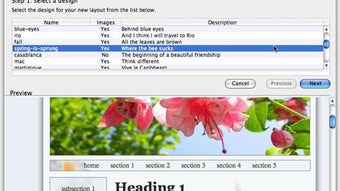
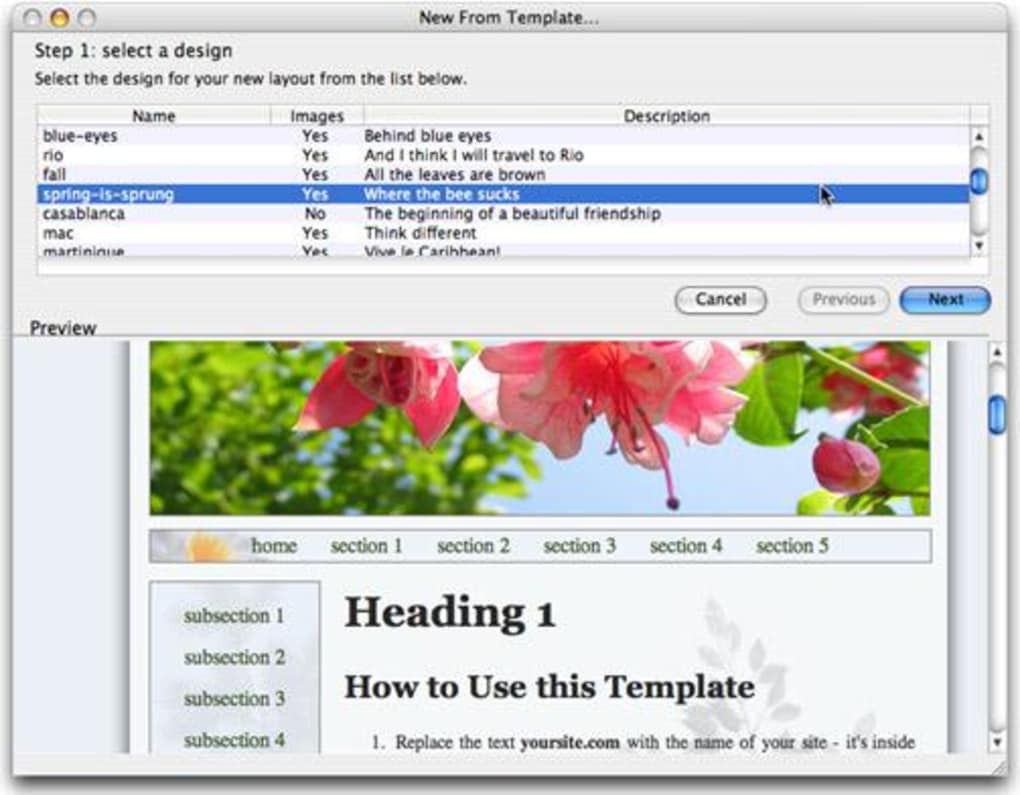
- On first launch, you’ll be greeted with a welcome wizard that can import existing CSS files or create a new stylesheet from scratch.
Getting Started with the Editor
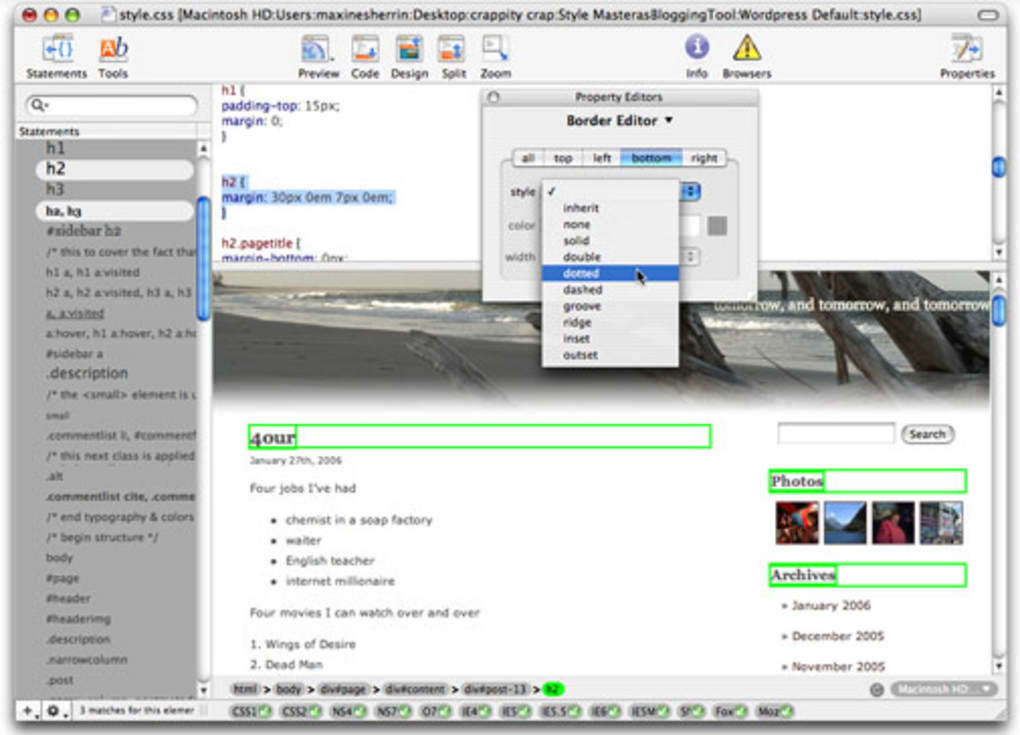
When you open Style Master, the main window is divided into three panels: the file explorer on the left, the code editor in the center, and the live preview pane on the right. To begin, either drag a CSS file from your project folder into the explorer or click the “New File” button. As you type, the syntax highlighter colors selectors, properties, and values, while the auto‑completion dropdown suggests standard CSS attributes. Press Ctrl+S (or Cmd+S on Mac) to save your changes; the preview updates instantly, showing how the stylesheet impacts a sample HTML page.
Advanced users can access the “Preferences” menu to customize font sizes, enable/disable the validator, or switch UI themes. The version‑history panel records each save, allowing you to revert to a previous state with a single click—perfect for experimenting with layout tweaks without fear of losing a stable version.
Operating System Compatibility
Style Master supports Mac OS X 10.4 (Tiger) through the latest macOS releases, as well as Windows XP, Vista, 7, 8, and 10. Because the software is built with native frameworks for each platform, performance remains consistent across older and newer hardware. The lightweight design ensures that even modest laptops with 512 MB RAM can run the editor smoothly.
For users on alternative operating systems (Linux, Chrome OS), a compatible version is not currently offered, but the Mac and Windows builds can be run via virtualization tools such as Parallels or VirtualBox. This flexibility makes Style Master a viable option for development teams with mixed environments.
Pros, Cons, and Expert Review
Pros
- Extremely lightweight – minimal disk space and memory usage.
- Real‑time preview accelerates the design‑test cycle.
- Robust syntax highlighting and auto‑completion for faster coding.
- Cross‑platform native builds for Mac and Windows.
- Free trial provides full access without hidden costs.
- Built‑in validator helps maintain clean, standards‑compliant CSS.
Cons
- Last major update was in 2006, so newer CSS3/4 features may be missing.
- No built‑in support for CSS preprocessors like SASS or LESS.
- Lacks integrated version control (e.g., Git) within the UI.
- Limited documentation for advanced customization.
Style Master remains a solid choice for developers who need a fast, no‑frills CSS editor. Its real‑time preview and lightweight footprint set it apart from bulkier IDEs, though the lack of recent updates means it may not support the very latest CSS specifications. For most everyday styling tasks, especially on legacy systems, it delivers a secure, efficient experience.
Frequently Asked Questions
Is Style Master completely free?
Style Master offers a free trial that provides full access to all features for a limited period. After the trial expires, you can purchase a license to continue using the software without restrictions.
Can I import existing CSS files?
Yes. The file explorer panel lets you drag and drop existing .css files, or you can use the “Open” menu to browse and load any stylesheet you’ve previously created.
Does Style Master support CSS3 properties?
The editor includes basic support for many CSS3 properties such as border‑radius, box‑shadow, and gradients. However, because the last major update was in 2006, some of the newest specifications (e.g., CSS4 selectors) may not be recognized.
What operating systems are compatible with Style Master?
Style Master runs natively on Mac OS X (from Tiger onward) and Windows (XP through Windows 10). For other platforms, you can use virtualization software to run the Windows or Mac version.
How secure is the trial version?
The trial version is sandboxed and does not collect personal data. All code you write stays on your local machine, ensuring a secure development environment.
Conclusion & Call to Action
Style Master delivers a focused, lightweight solution for developers who want to edit CSS quickly and securely on both Mac and Windows. Its real‑time preview, syntax assistance, and minimal system requirements make it especially attractive for freelancers, students, and teams maintaining legacy projects. While the lack of recent updates means it may miss some cutting‑edge CSS features, the core functionality remains reliable and easy to use.
If you’re looking for a free, secure way to sharpen your stylesheet workflow without the overhead of a full IDE, download Style Master today and take advantage of the trial period. Experience the speed, simplicity, and cross‑platform flexibility that have kept this tool relevant for over a decade.
Download Style Master now and start crafting cleaner, more responsive designs instantly.







